
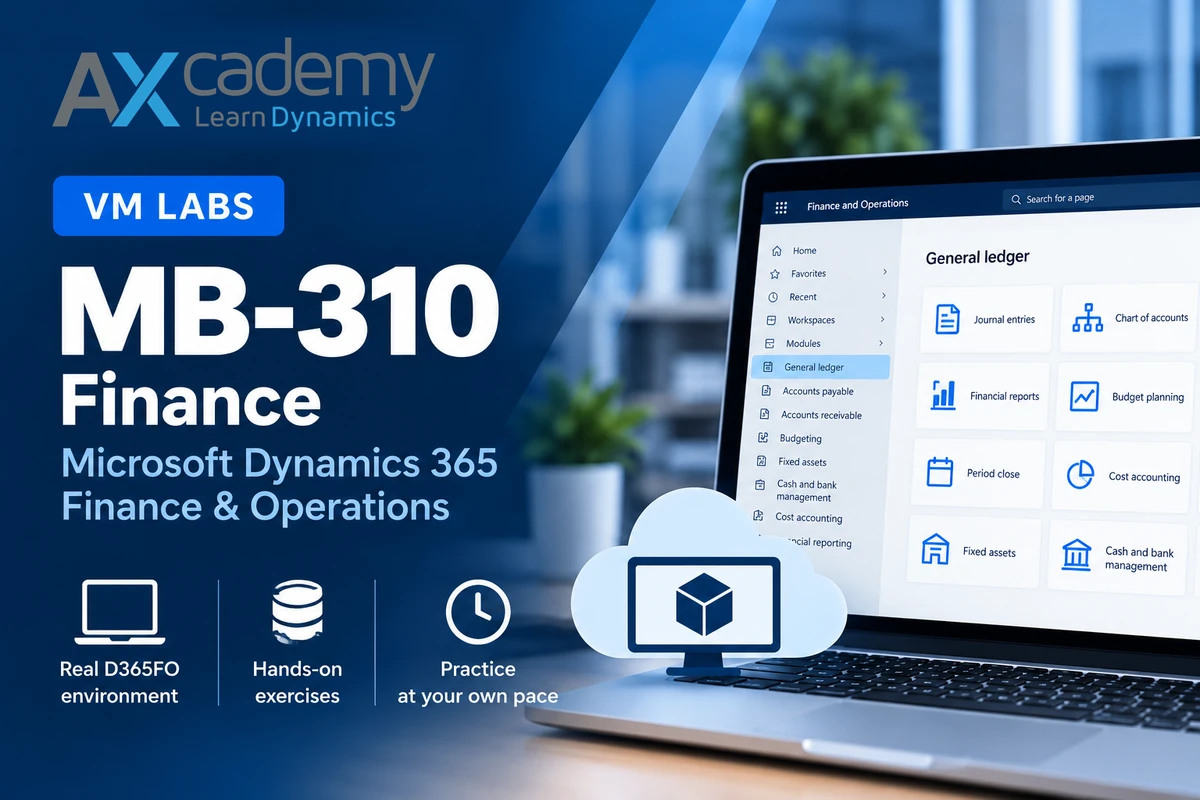
Learn by doing in a real Microsoft Dynamics 365 Finance training environment.
Develop practical skills in Microsoft Dynamics 365 Finance with a dedicated, cloud-hosted training environment.
Work directly in D365FO with Contoso demonstration data, explore realistic financial processes, and build confidence through practical exercises.
Perfect as a supplement to our MB-310 Finance on-demand course or for independent learning and practice.
More than a virtual machine – a complete practical learning experience.
Your training environment includes Microsoft’s structured MB-310 hands-on labs, covering General Ledger, credit and collections, Accounts Payable, budget planning, and fixed assets.
The exercises guide you through realistic financial business scenarios, including bank foreign currency revaluation, credit risk scoring, voucher analysis, budget planning, and fixed asset transactions.
With detailed instructions and a ready-to-use D365FO environment with Contoso demonstration data, you can work through the exercises independently, repeat scenarios, and experiment with different approaches.
Learn by doing – and build practical Finance skills at your own pace.
After purchasing, we will email your personal Skillable Training Key, normally within 24 hours.
You will also receive access to our introductory course, How to Use Our Training Environments (VMs), under My courses.
This guide explains how to register your Training Key, access and manage your environment, and obtain technical support.
Practice real Finance processes, repeat exercises, and build the confidence that comes from hands-on experience.
Only logged in customers who have purchased this product may leave a review.
Reviews
There are no reviews yet.